Working on the go this summer? As a seasoned remote worker, here's my essential kit list for productive working in the most awkward of locations
We're well and truly into summer travel season, and if you're planning on integrating some remote working into your vacation, it's worth considering your setup. My own job is largely laptop-based, and over the years I've done a decent amount of working away from my office desk, whether at events or in order to keep things ticking over during time off. The biggest lesson I've learned is that a few well-chosen remote-working accessories can make a huge difference.
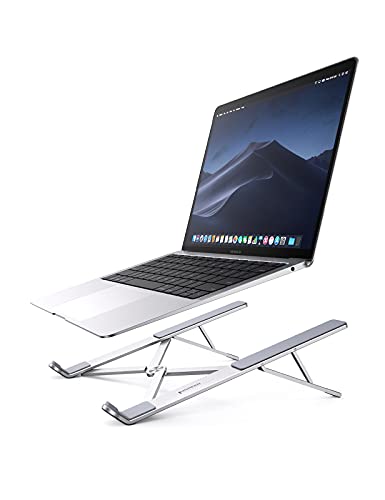
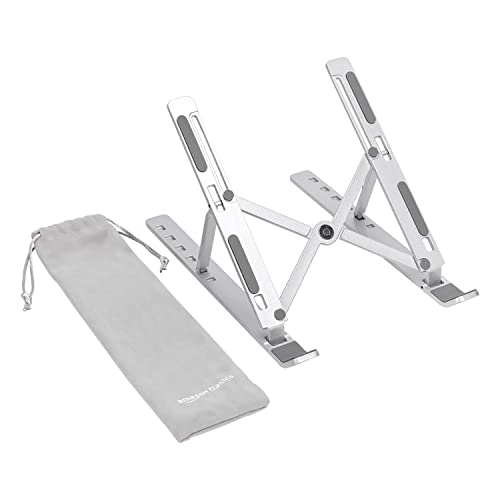
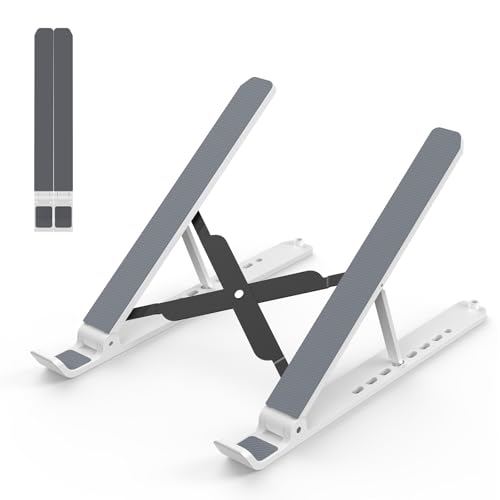
I rely on a laptop riser so that I'm not hunched over a table (my back will start hurting after around an hour, and it's all downhill from there). If my laptop is raised, I'll then add in a portable keyboard to make typing easier — my tip is to pick one with the same proportions as your regular keyboard, so your fingers know where to go — and a wireless mouse.
If I'm going to be in meetings, a great pair of noise-cancelling headphones is essential to keep things private and ensure I don't miss any info if the background noise is louder than I'd like. I also use them to help me focus in potentially distracting scenarios.
A recent addition to my own setup is a portable second monitor. It felt like a luxury when I bought it, but it's been worth every penny for me. I'm often hopping between different apps and referencing information from other sources, so having that extra screen real estate has been invaluable.
Below, I've rounded up my recommendations for an ideal remote-working setup, including premium options and budget-friendly alternatives. Not all jobs will require all this kit, so I'd recommend picking-and-mixing to suit your needs.
Remote working essentials
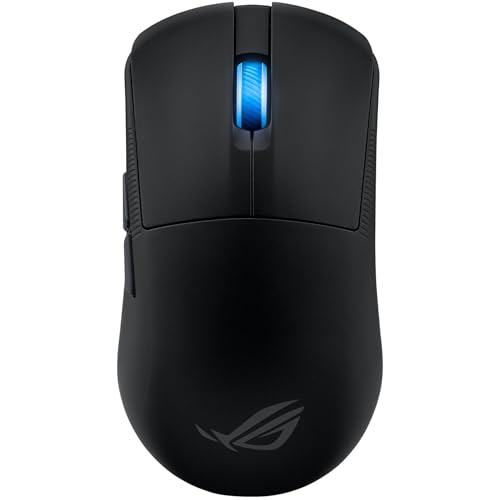
Pros
- Excellent performance
- Discreet aesthetic
- Small, comfortable size
Cons
- Small size isn’t for everyone
- High price
- Scroll wheel is a bit stiff
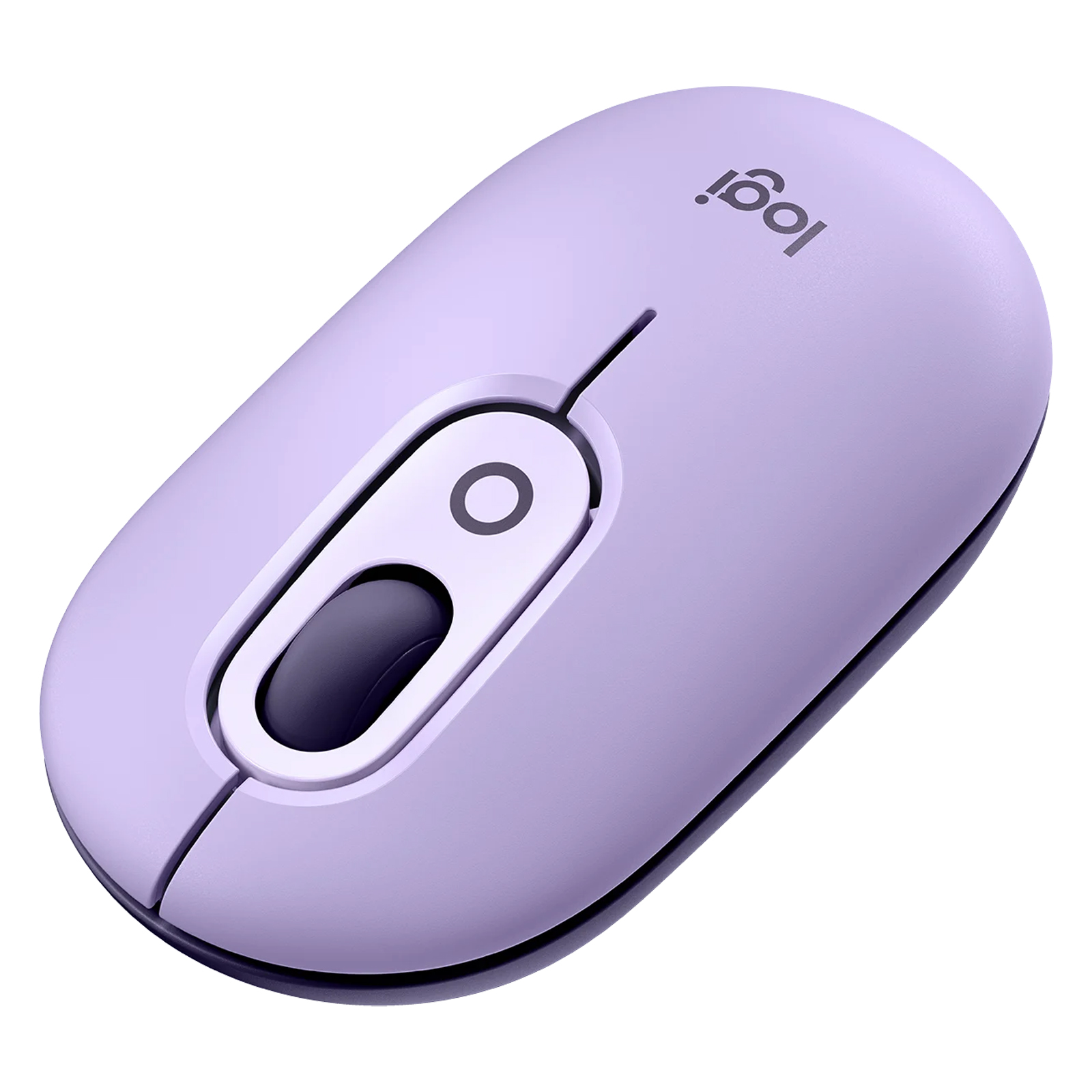
Pros
- Satisfying clicks
- Good customizations
- Easy three-way switching
Cons
- No side buttons
- No wired or 2.4GHz wireless
- No rechargeable battery
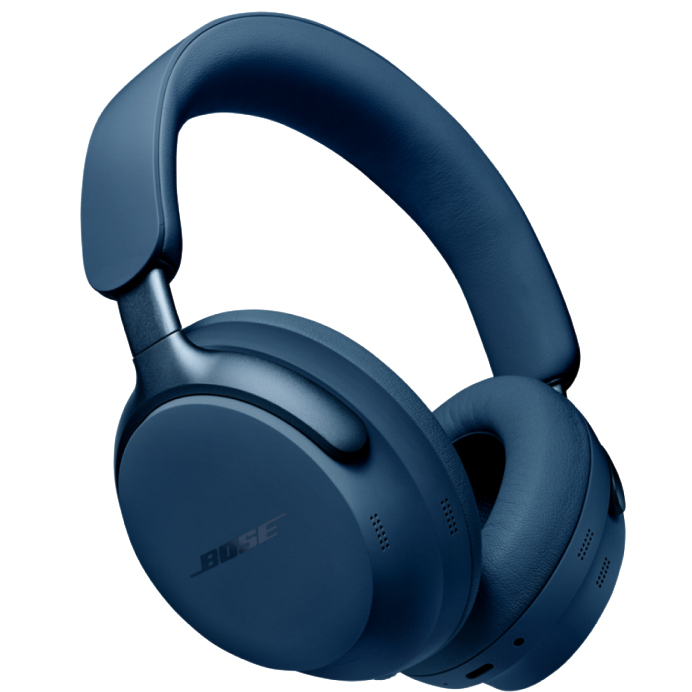
Pros
- Fantastic, detailed sound with rich bass
- Class-leading noise-stopping power
- Comfortable and premium, with folding design
- Great smart features
Cons
- 24-hour battery life is weak
- Some will prefer a more neutral sound
- No USB-C audio input
- No LE Audio support (but it's promised)
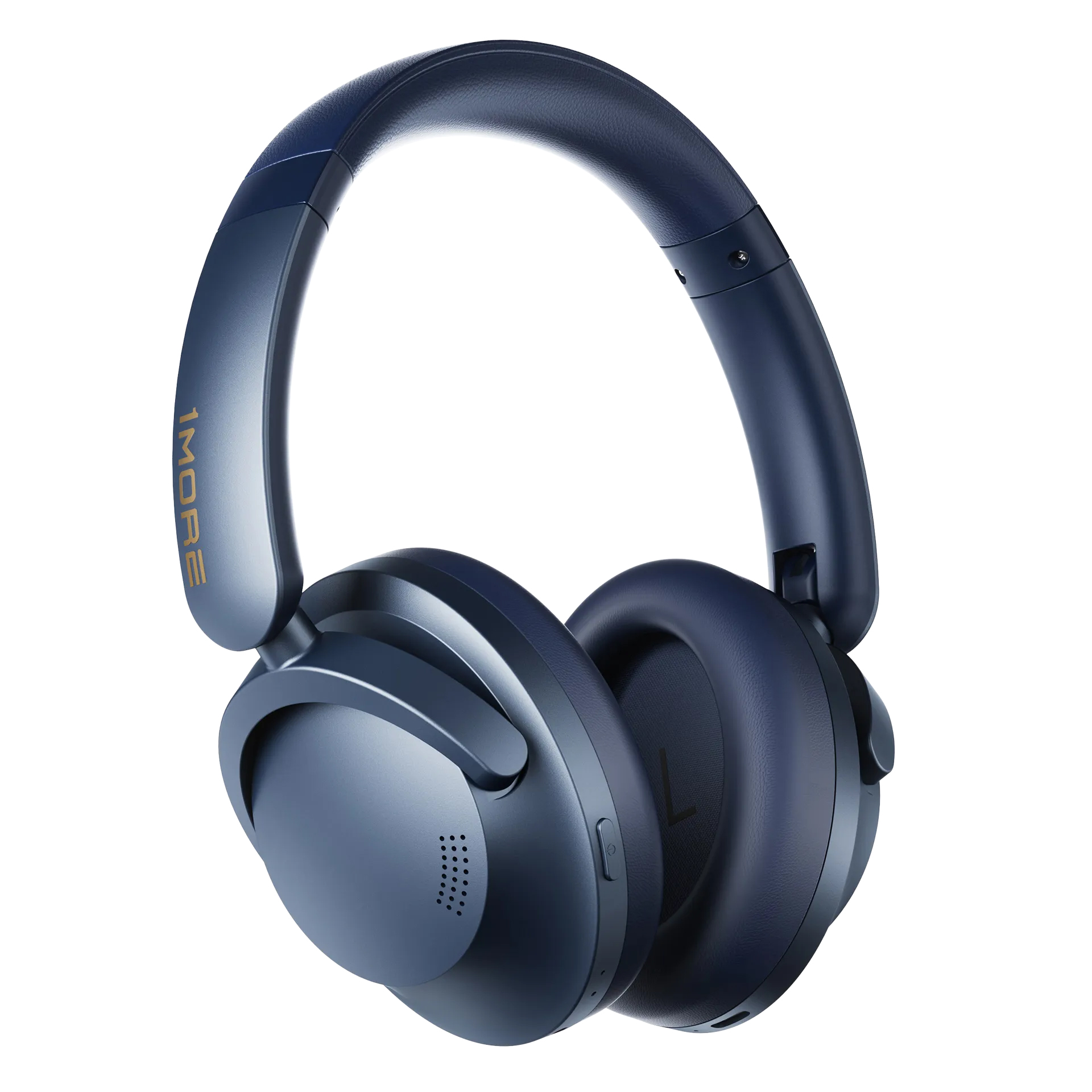
Pros
- Customizable, satisfying sound
- Effective ANC
- Fantastic battery life
Cons
- App situation is a bit messy
- Button controls appear a little cheap
- Build feels slightly flimsy
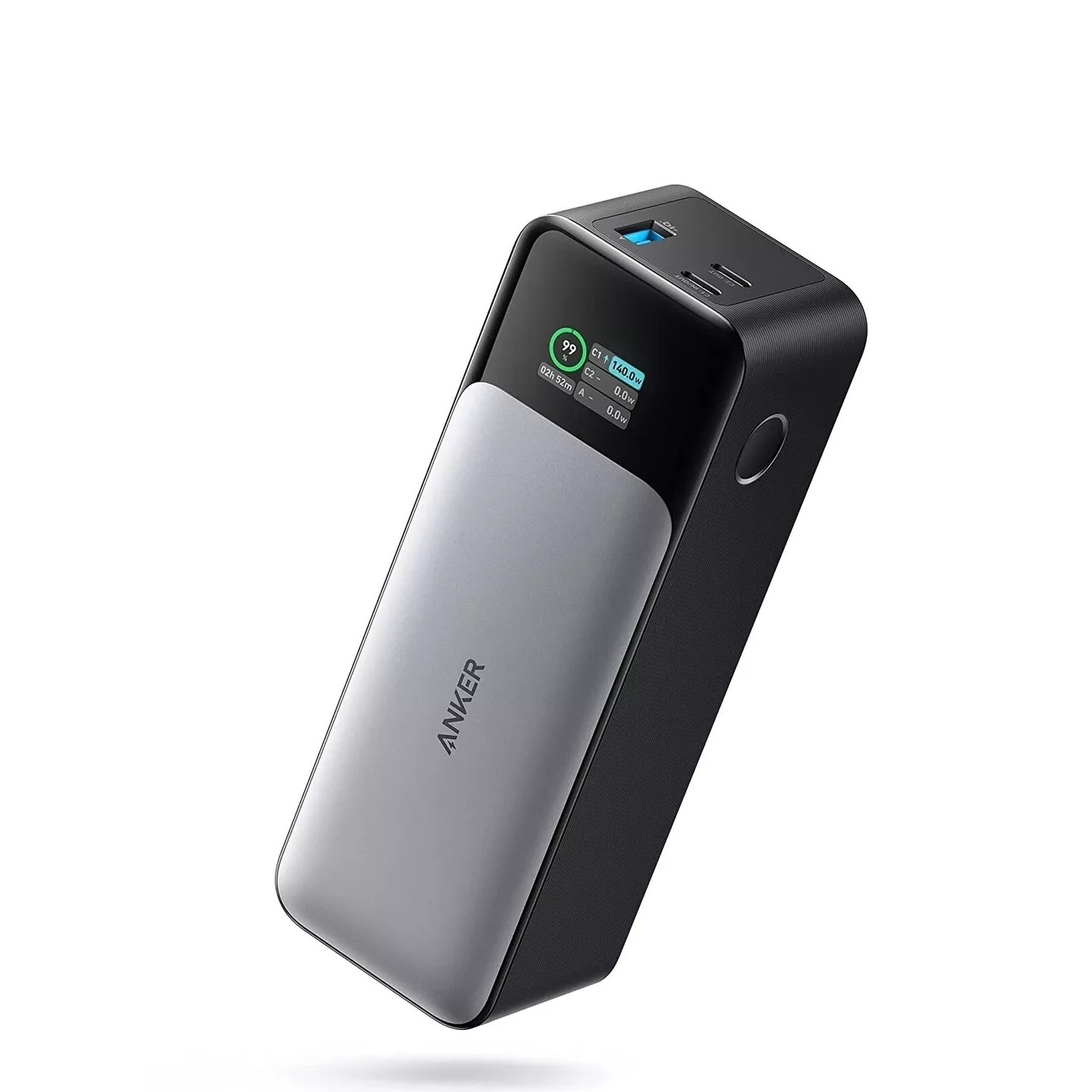
Pros
- A powerful 140W output
- A screen that shows charge rates
- Premium build quality
Cons
- Chunky dimensions
- Higher priced
- No UPS mode
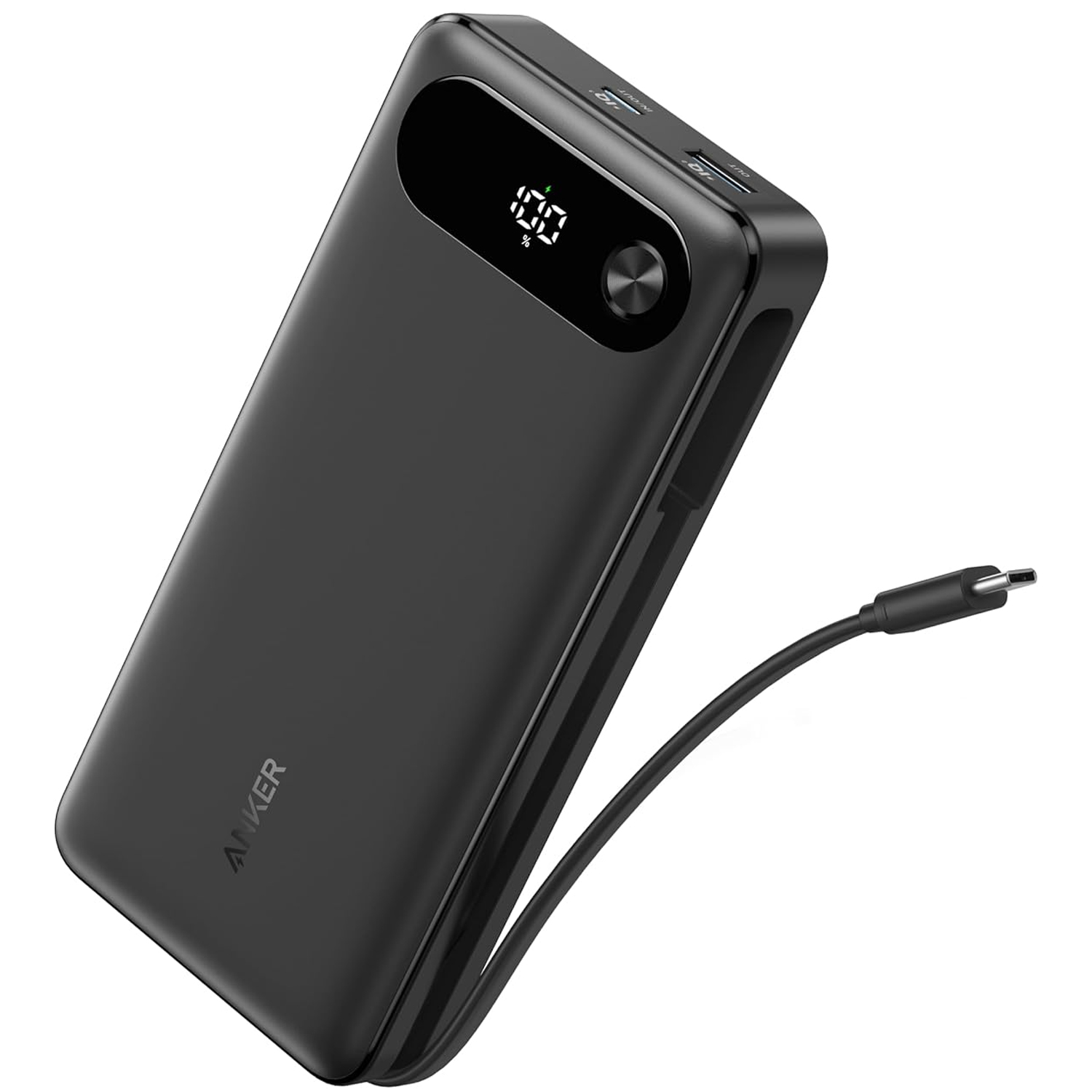
Pros
- Large power output
- Well-made
- Integrated USB-C cable
Cons
- Some rivals are smaller
- Unnecessarily powerful for many
- Display lacks detailed information
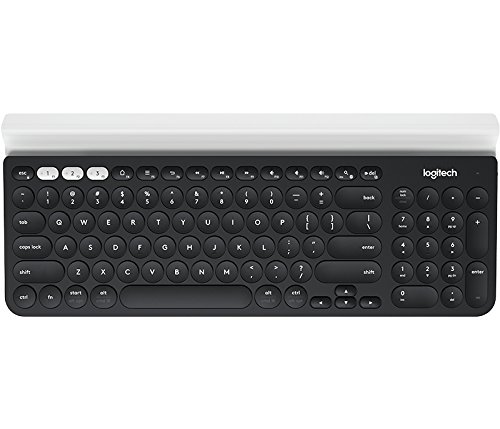
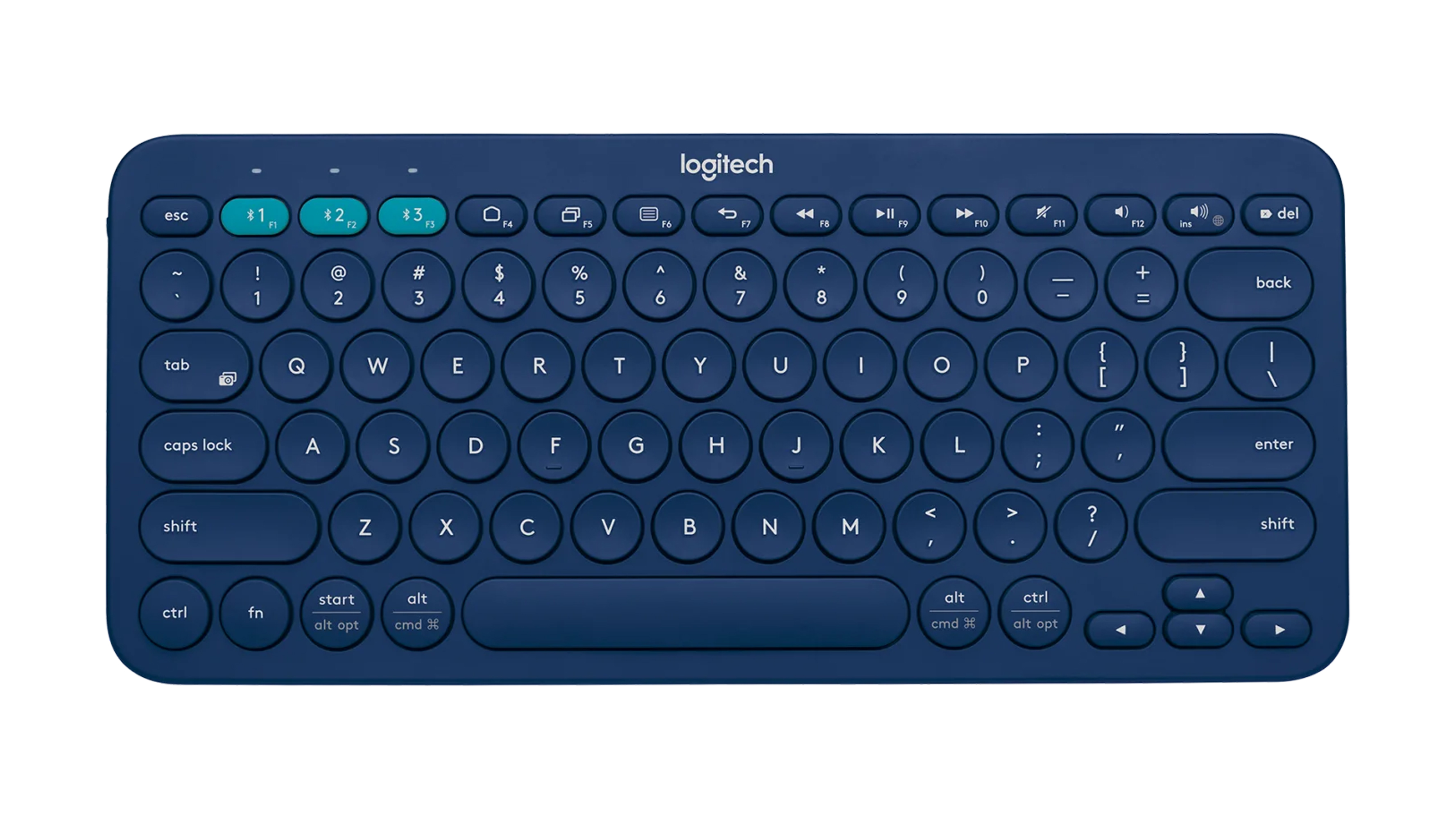
Pros
- Comfortable to type on
- Thin and compact
- Great, useful shortcuts
- Arrow keys are great
Cons
- Surprisingly cheap
- Keys might be too small for some
- Not rechargeable
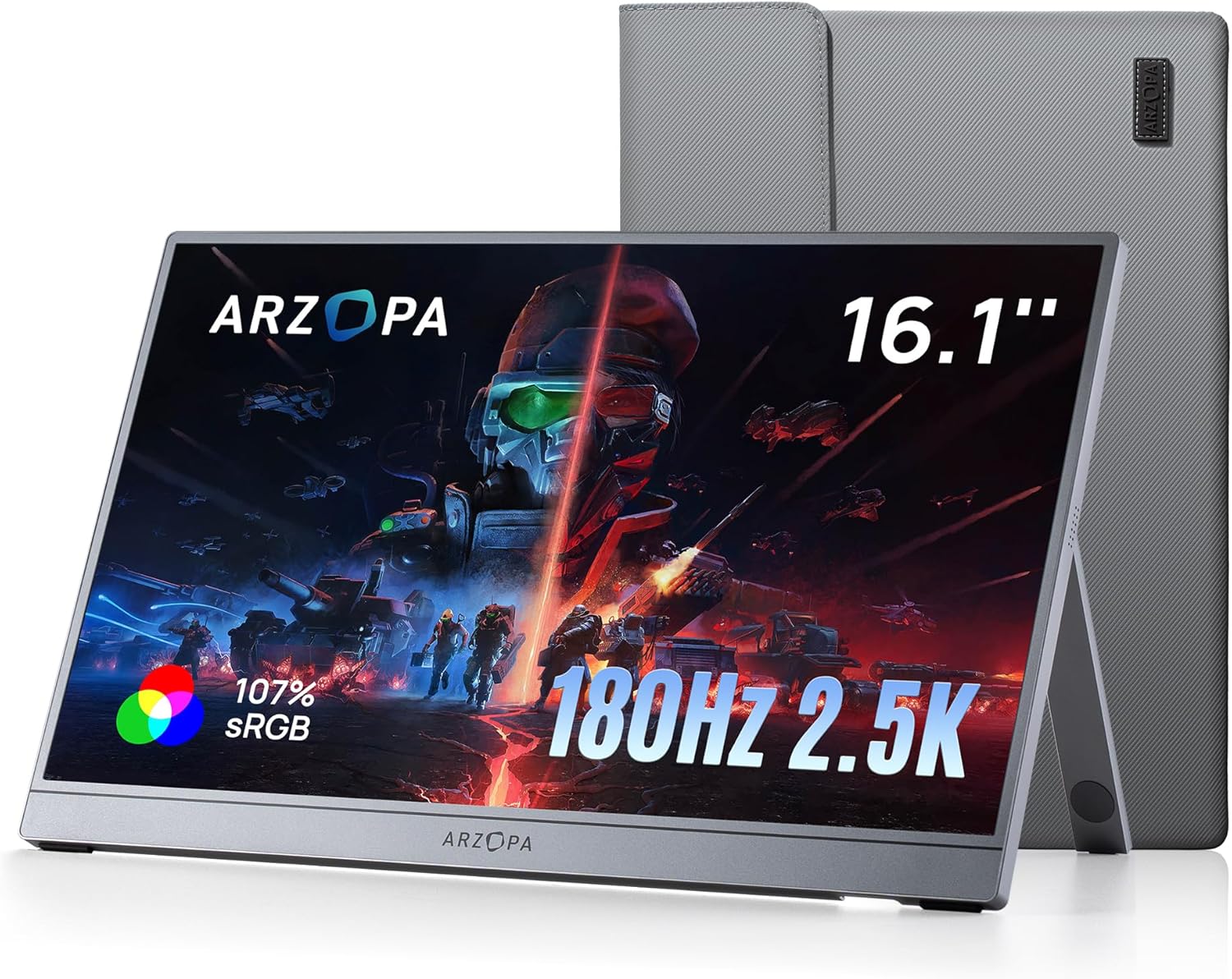
Pros
- Lightweight and thin for travel
- High refresh rate for gaming
- 2.5K resolution
- Sleeve and braided cables included
- Better speakers than you might think
Cons
- No built-in battery
- Can be clunky using the OSD
- Runs warm after a while
- Washed-out HDR on Switch 2
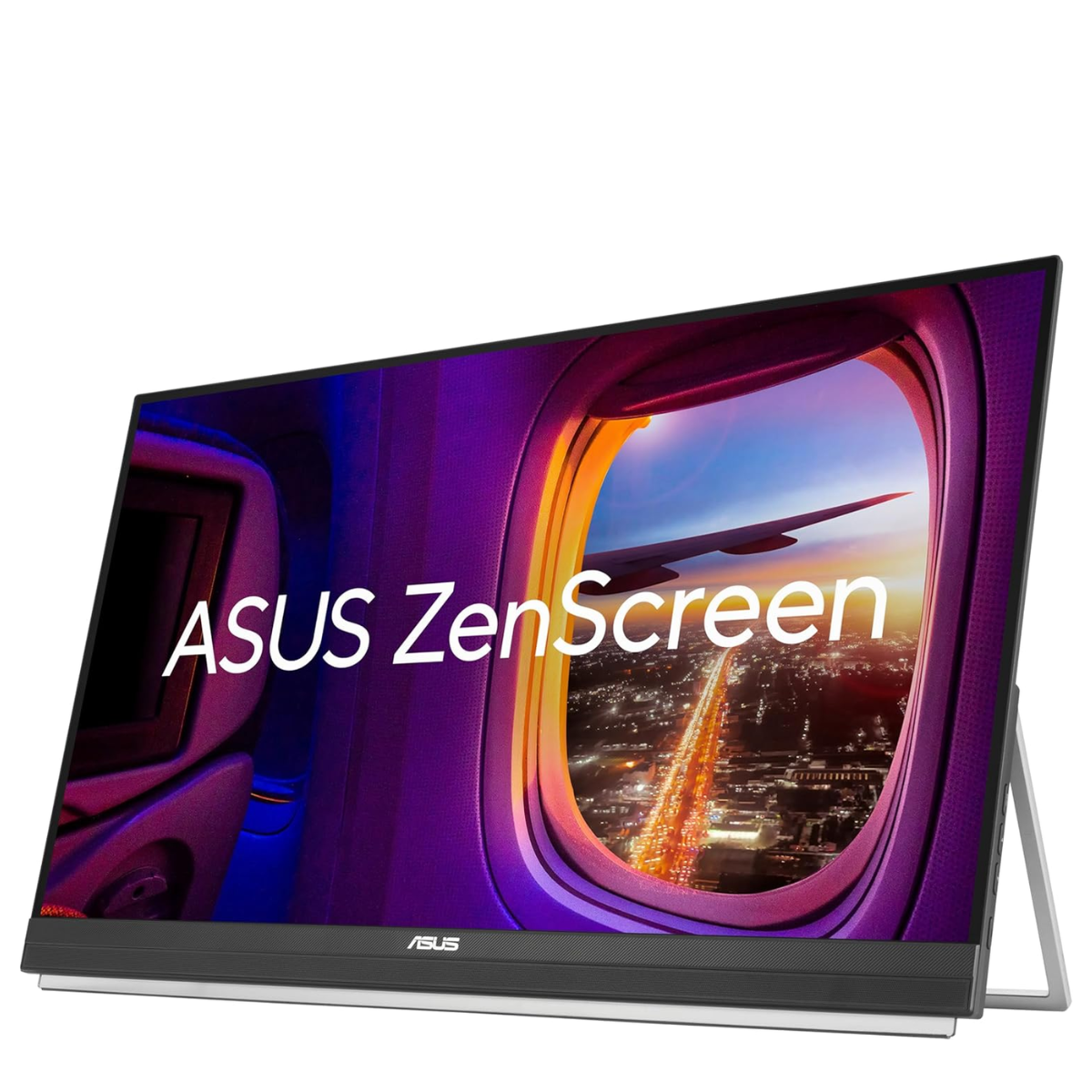
Pros
- Big screen
- Portable
- Thin
- Ideal for collaboration
- 2.5K resolution
- 99% sRGB
- Includes kickstand, hanging hooks, and monitor arm
Cons
- Not everyone needs a 27in portable display
- Average brightness
- Not wide color gamut
via Hosting & Support
Comments
Post a Comment