
You can score a limited edition Apple Watch workout award today – here’s how to get it

Web Hosting & Remote IT Support

While it’s not the International Day of Yoga – after all, that only comes once a year on June 21, 2024 – today, August 25, 2024, is a day that Apple Watch workout aficionados should be excited about. 

Why? You can earn a limited edition award for completing a workout, and all types are eligible as long as it is for 20 minutes. The occasion is to celebrate natural parks at home or visit one in the United States. That might be for a relaxing meditation or yoga workout on a hill, a hike, or even kayaking. Similarly, it could be a HIIT workout at home. 
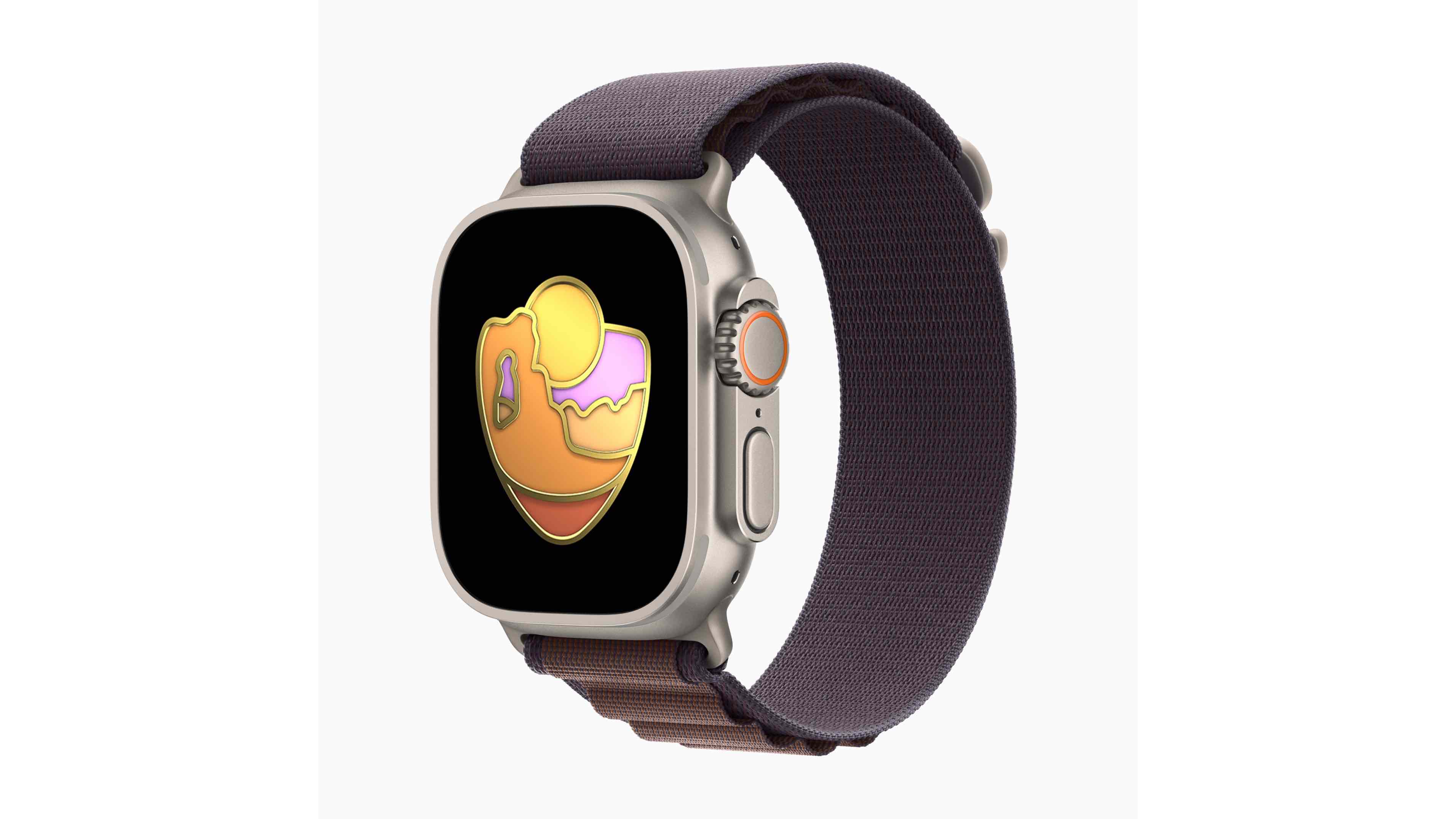
Apple Watch Limited Edition Workout Award Celebrating National Parks

(Image credit: Apple)

While Apple has been celebrating National Parks in the United States' 108th birthday and has been a longstanding partner, anyone who wears an Apple Watch worldwide can complete a workout for 20 minutes today to score the limited-edition award. Plus, you’ll unlock exclusive stickers for iMessage that celebrate the parks.

The included stickers are really fun, including someone paddling on a kayak through water, a lovely bee pollinating some flowers, and even an animated version of the limited-edition award. To get it, you simply complete a workout of at least 20 minutes today, August 25, 2024. 

To do so, on your Apple Watch, you’ll open the Workouts app – you can push the Digital Crown to find it, hit the Action Button on an Apple Watch Ultra if you’ve set that up, or even ask Siri to open Workouts. You can select from the long list of workout types from there and are ready to begin. 

Once you end the workout, along with your stats – think heart rate and calories burned – you’ll see the award with a fun animation. It’s as simple as that, and the sticker set will also be unlocked for use.
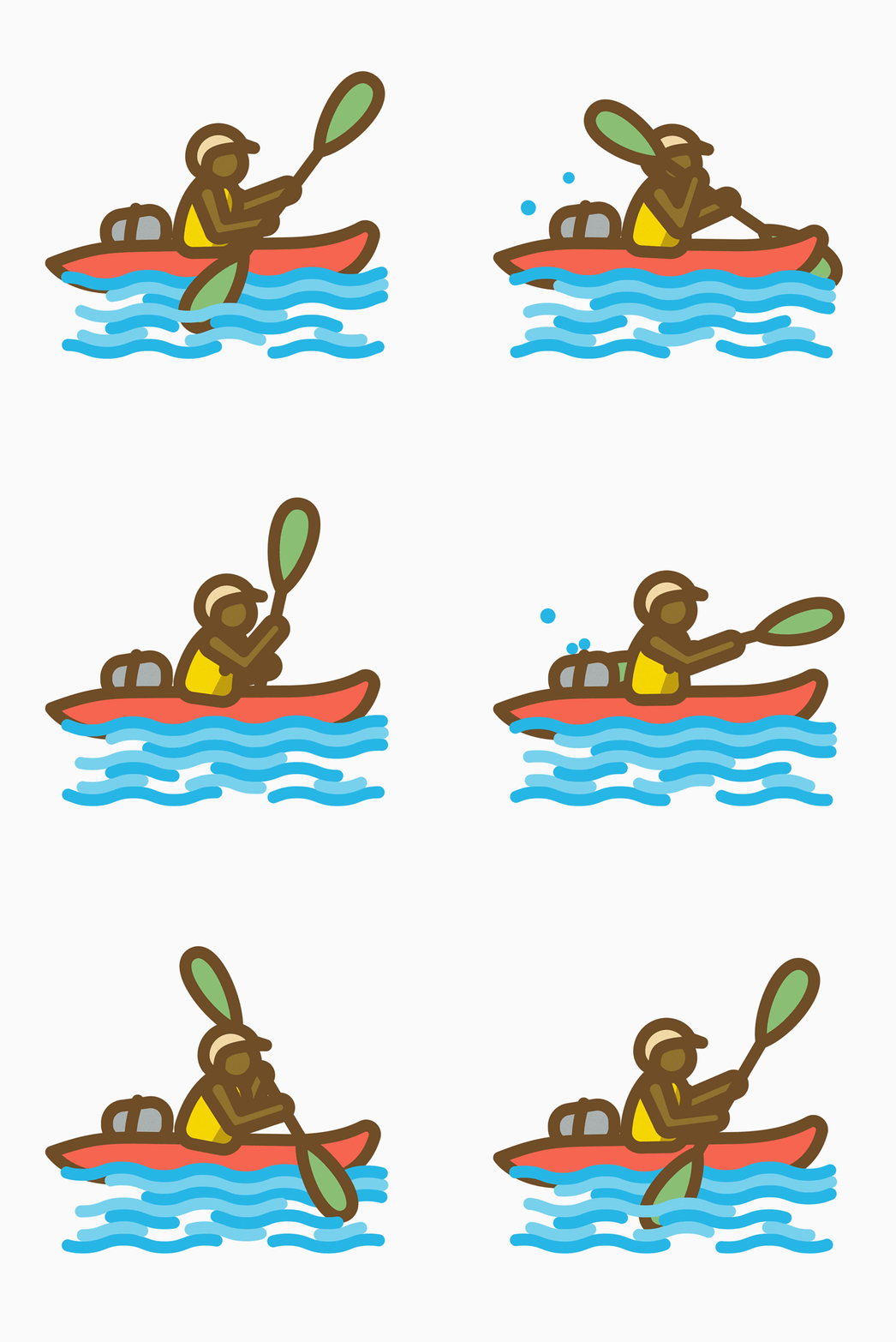
Apple National Parks 2024 Award iMessage Stickers

(Image credit: Apple)

Beyond this workout award, all purchases made on Apple.com in the United States or at an Apple Store in America using Apple Pay by the end of the day on August 25th, 2024, will result in Apple making a $10 donation to the National Park Foundation. Additionally, as part of iOS 18 and watchOS 10 this fall (think September through November 2024), Apple Maps will expand details on hiking trails for National Parks in the United States.

If you’re already running the iOS 18 Public Beta, you can try those out now and read all about a secret feature here.

You Might Also Like


via Hosting & Support

Comments

Popular posts from this blog

These mobile games are just trying to steal your crypto hoard, FBI warns

Web Hosting & Remote IT Support The FBI has warned consumers about a newly-detected, fake "play-to-earn" mobile and online game that tricks victims into depositing cryptocurrency, only to later steal it.  In a public service announcement , the FBI said the elaborate scheme sees scammers first contact the potential victim and try to build a relationship with them.  After a little back-and-forth, the scammers would invite the victim to play an online or mobile game, in which players purportedly earn cryptocurrency rewards in exchange for some activity, “such as growing ‘crops’ on an animated farm” the FBI said.  Depositing cryptos But getting into the “game” isn’t free - the victims must first create a cryptocurrency wallet and deposit some money, which is where the real scam begins. The fraudsters would later also tell the victims that the more funds they deposit, the higher the gains will be. However, as soon as the victim stops depositing additional funds, the...

Want a remote control for your smart home? SwitchBot has made a Matter-compatible one

Web Hosting & Remote IT Support SwitchBot has launched a unique piece of tech capable of controlling smart home devices and infrared appliances. And the best part is you don’t need to connect it to a smartphone or to the internet as it functions perfectly offline.  Aptly named the SwitchBot Universal Remote , it has large spacious buttons, a navigation wheel in the middle, and a 2.4-inch LCD at the top. The company states in their announcement it sought to create a “user-friendly design” that everybody can understand. Now, you can’t just point the Universal Remote at a device and then push a button to issue commands immediately. According to Android Central , you must first choose what you want to control, which can be done by pressing the center red button. Pressing the main button will let you change which group of smart home devices to control.  Universal Remote has launched! 🚀 Consolidate all your remotes, and control everything at home, even #automation! NOW,...